Countdown
Let your community know about an important date with a countdown on your website!
Countdown is a plugin that allows you to add one or more countdowns to your website pages.
A page (optional) lets you display your active countdowns.
Choose between 2 countdown types:
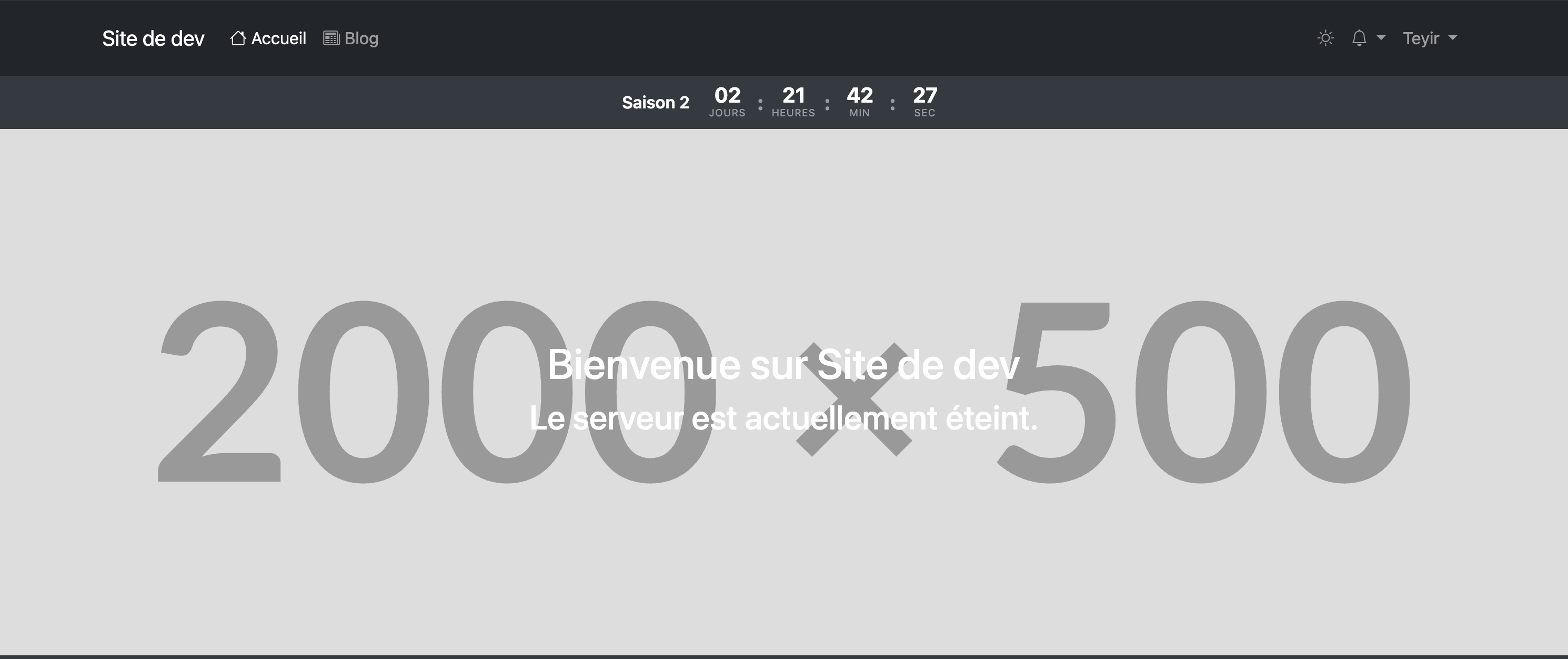
Banner
Header
Usage
Create and manage your counters via Admin > Countdown. Each counter has a name, an optional description, an end date, and an active/inactive status.
The public page listing all active counters is available via the countdown.index route and can be added to the navigation from the site settings.
Integration in a theme
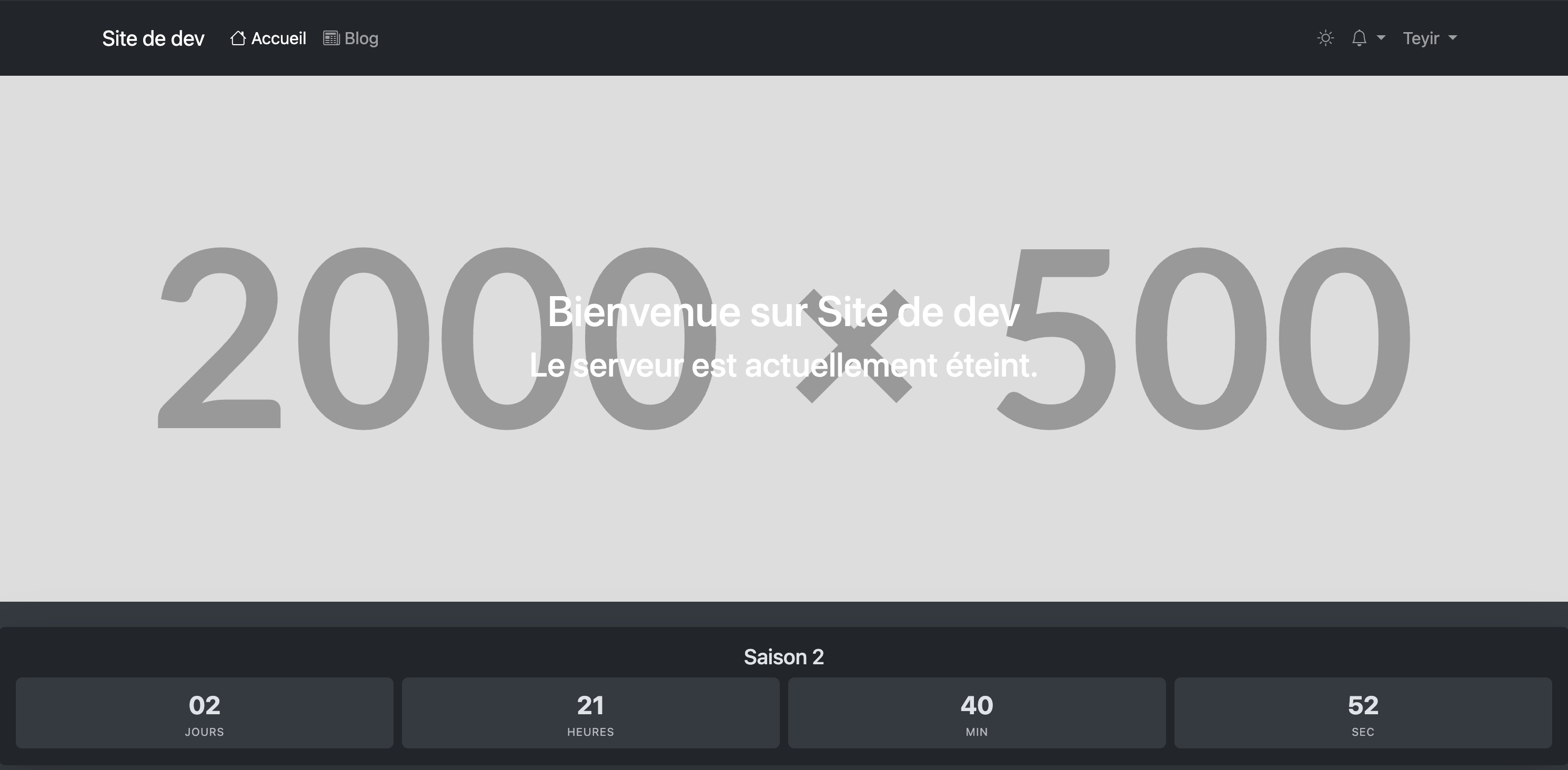
Card component
Displays a counter as a Bootstrap card.
{{-- First created counter (active) --}}
<x-countdown::widget />

{{-- Latest added counter (active) --}}
<x-countdown::widget :latest="true" />

{{-- Specific counter by ID --}}
<x-countdown::widget :id="1" />
Banner component
Displays a full-width horizontal banner, to place for example just after <header>.
<x-countdown::banner />
<x-countdown::banner :latest="true" />
<x-countdown::banner :id="1" />

{{-- Hide the counter title --}}
<x-countdown::banner :show-title="false" />
Blade directive
Can be used directly in any theme view.
{{-- First created counter (active) --}}
@countdown

{{-- Latest added counter (active) --}}
@countdown('latest')

{{-- Specific counter by ID --}}
@countdown(1)
The timer JS script is automatically included and protected against double initialization.
Configuration
Accessible via Admin > Countdown > Settings.
| Parameter | Description |
|---|---|
| Public page | Enable or disable /countdown (returns 404 if disabled) |
Style customization
The class prop is available on the widget and banner components. It is added to the existing Bootstrap classes without replacing them.
<x-countdown::widget class="border-0 shadow-lg" />
<x-countdown::banner class="bg-primary" />
For finer CSS targeting, the following classes are available:
| Class | Role |
|---|---|
[data-countdown-widget] |
Root container (card or banner) |
.countdown-display |
Block containing the 4 units |
.countdown-days |
Days value |
.countdown-hours |
Hours value |
.countdown-minutes |
Minutes value |
.countdown-seconds |
Seconds value |