Form
Create custom forms like Google Forms with Discord webhook integration
Form is an Azuriom plugin that lets you create custom forms similar to Google Forms, accessible through dedicated URLs (/form/{slug}).
Build contact forms, surveys, event registrations, reports, feedback forms and more, with a complete administration interface and optional Discord webhook notifications.
✨ Features
🧩 Public Features
- Dynamic Forms: Display questions based on your form configuration.
- Multiple Field Types: Text, textarea, email, number, date, dropdown, radio buttons, checkboxes and file uploads.
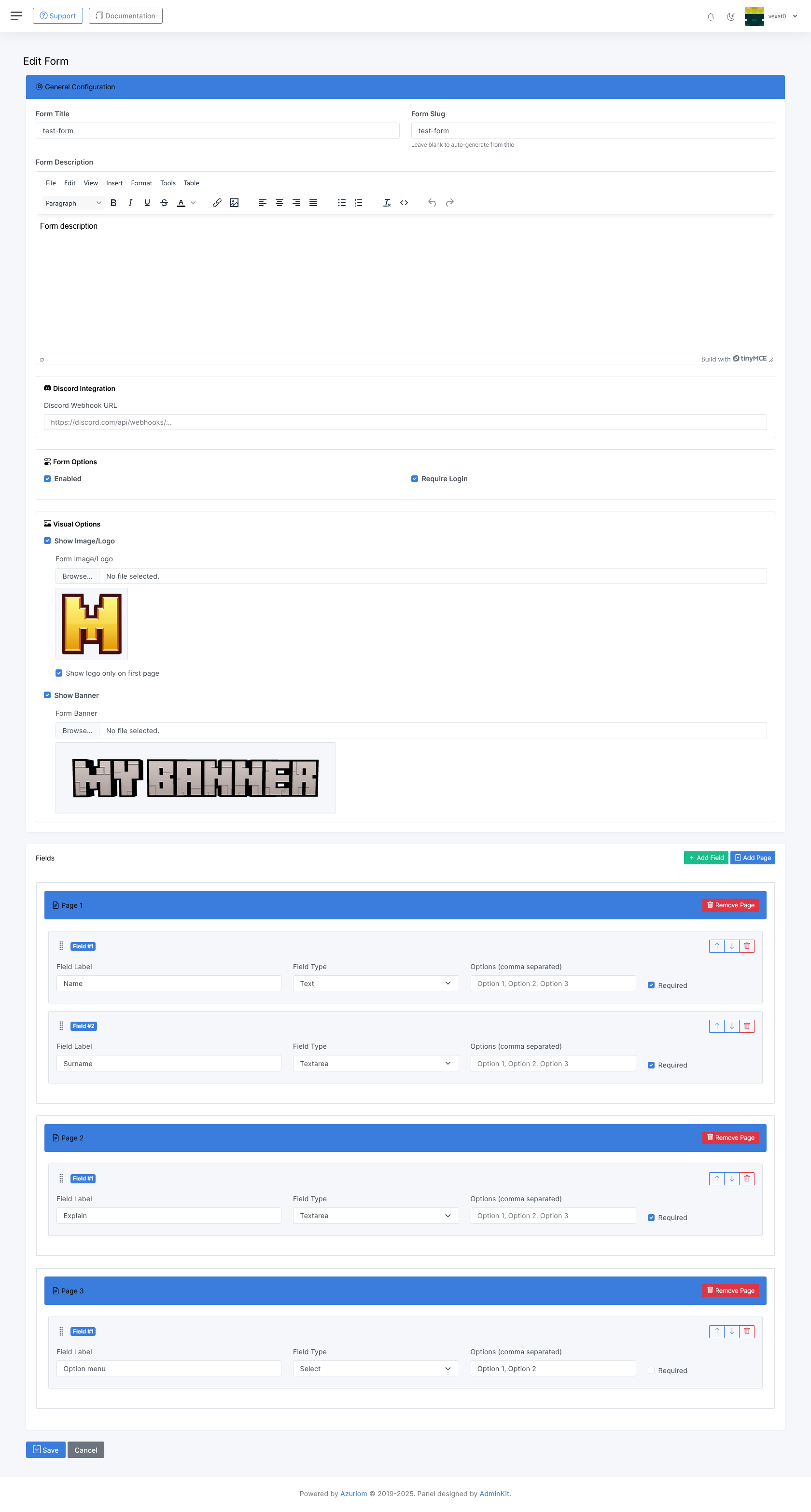
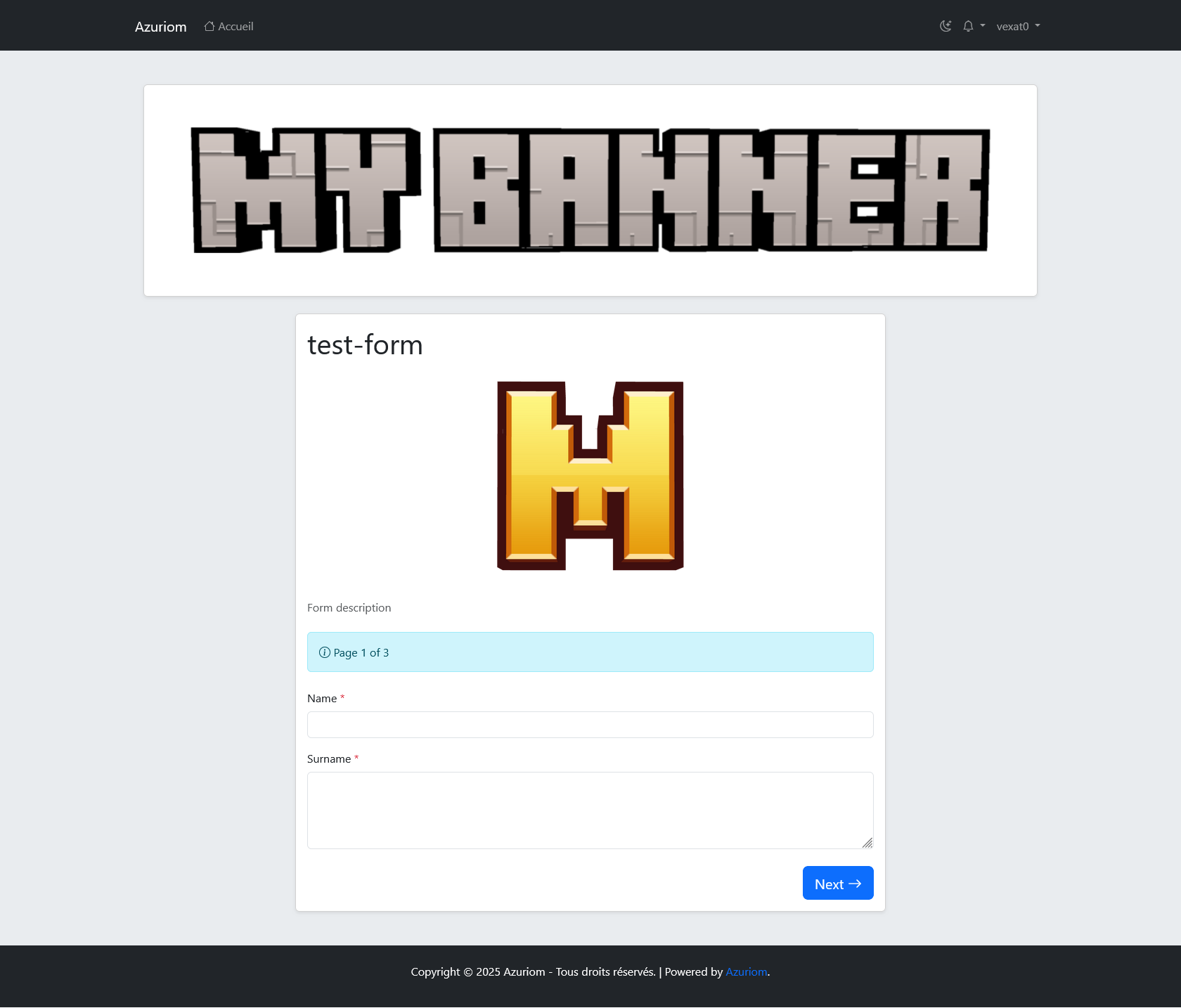
- Multipage Forms: Organize longer forms into several pages.
- Field Validation: Validate required fields and uploaded files.
- File Attachments: Upload single or multiple files with configurable size and extension limits.
- Custom Confirmation Messages: Display a personalized message after submission.
- Opening Periods: Restrict submissions to optional opening and closing dates, using your website’s timezone.
- Optional Login Requirement: Choose whether visitors must sign in.
- One Response per Account: Optionally require login and prevent multiple responses from the same account.
- Anti-Spam Protection: Built-in honeypot protection and submission rate limiting.
- Discord Integration: Automatically send new responses to an optional Discord webhook.
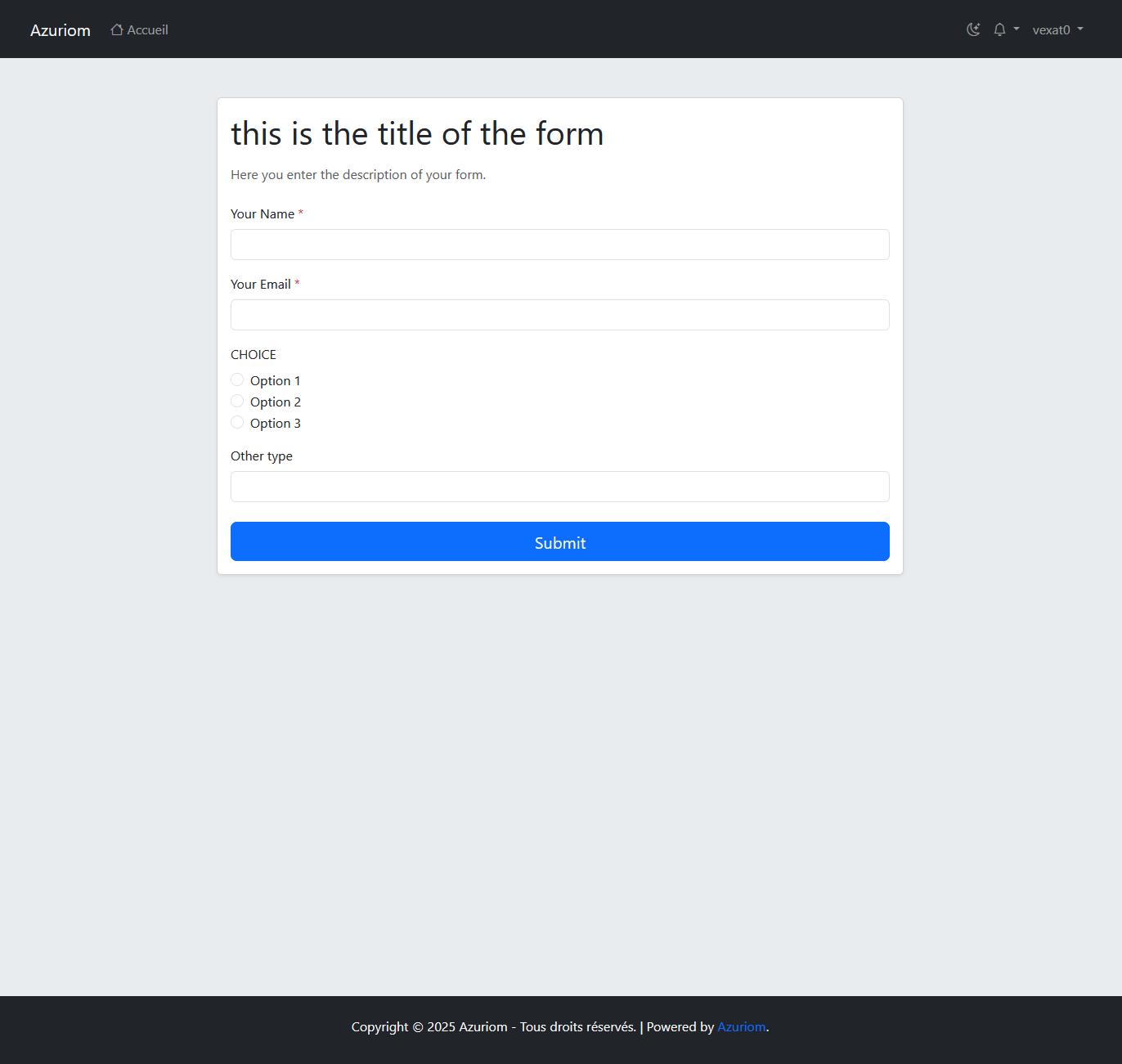
- Theme Integration: Forms use your Azuriom theme’s layout.
🔧 Admin Features
- Complete Form Management: Create, edit, enable, disable and delete forms.
- Form Duplication: Reuse questions, pages, options and settings. Copies start disabled, with independent images and no submitted responses.
- Field Management: Add, modify, reorder and organize questions across pages.
- Visual Customization: Add a form image, logo or banner.
- Availability Status: See whether a form is disabled, scheduled, open or closed.
- Response Viewing: Browse submissions and download private attachments.
- Optional Response Tracking: Manage responses using New, In progress, Processed and Archived statuses.
- Status Filtering: Filter responses by status while navigating between result pages.
- Internal Notes: Add administrative notes that remain private and are excluded from public pages, exports and Discord notifications.
- Staff Permissions: Separate response consultation from modification and deletion.
- Export Options: Export responses as CSV or JSON.
- Discord Configuration: Configure a webhook for each form.
- Translations: Available in English, French and Russian.
Opening periods: Keep the form enabled to apply its schedule. Access opens and closes automatically at the configured dates, without a cron task. A manually disabled form remains inaccessible.
✨ Form Creation
✨ Result — Adapts to Your Theme
✨ Responses
